
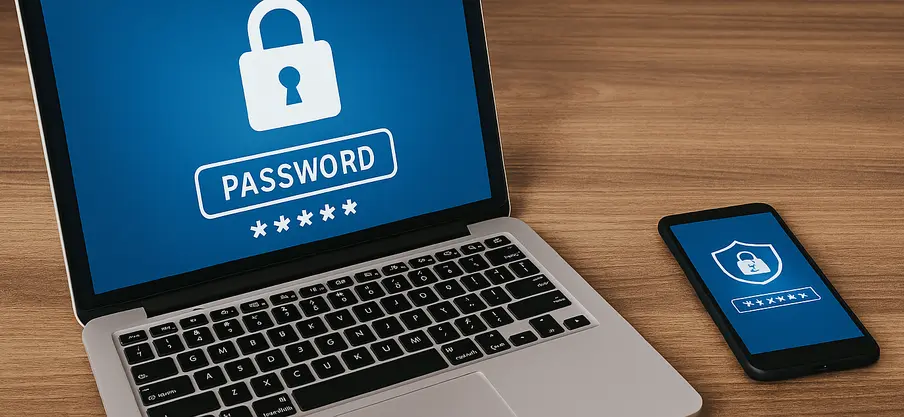
Why Is Password Security So Important?
As an online store owner, you use many tools and platforms: your store management system, domain admin panel, hosting services, ERP systems, payment gateways, social media, email inboxes, and more. Each of these is a potential gateway for cybercriminals if your passwords are weak or poorly stored.
Just one breach is enough for cybercriminals to:
- Block your ability to sell, leading to cash flow problems—and possibly bankruptcy,
- Gain access to customer data (including phone numbers, addresses, and emails),
- Change the bank account number in your payment panel,
- Delete products or shut down your store,
- Demand ransom to restore access,
- Damage your reputation.
How to Create Strong Passwords?
A good password should not only be hard to crack, but also unique and non-repetitive. Here are a few key rules:
- Length – your password should be at least 12 characters long. The longer, the better—at 16 characters, cracking time increases exponentially.
- Complexity – a strong password should include: Uppercase and lowercase letters Numbers Special characters (e.g., !@#$%^&*)
Complexity – a strong password should include:
- Uppercase and lowercase letters
- Numbers
- Special characters (e.g., !@#$%^&*)
- Uniqueness – never use the same password for multiple accounts. If one gets hacked, all others are at risk.
- Avoid personal clues – Don’t use names of loved ones, birthdates, your store’s name, or phone numbers. These are easy to guess.
Example of a weak password: Anne1234mystore2025
Example of a strong password: p9T#z@L!wV7*k2xBRz^d8Lw$F!3vQrX
How to Store Passwords?
Remembering dozens or even hundreds of complex passwords is impossible. That’s why password managers exist—applications that securely store all your login credentials and allow you to fill them in quickly.
Most Popular Password Managers:
KeePass
A free offline password manager for individual users and businesses
- Free, open-source
- Works offline (locally)
- Ideal for those who want full control over their data
- Additional protection via master password and encryption key
Bitwarden
A modern cloud-based password manager for individuals and teams
- Free and premium versions available
- Cloud-based (accessible from any device)
- Apps for desktop, browser, and smartphone
- Team version with shared access features
LastPass
A popular password manager with auto-login and access sharing features
- Stores passwords in the cloud
- Automatic logins
- One-click strong password generation
- Shared access without revealing credentials
Two-Factor Authentication (2FA)
A password alone is no longer enough. Whenever possible, enable two-factor authentication (2FA). This ensures that even if someone learns your password, they can’t log in without a second step—such as an SMS code or an app-generated code (e.g., Google Authenticator, Authy.).
Where to Enable 2FA:
- Online store admin panel
- Business email accounts
- ERP and CRM systems
- Password manager accounts
- Social media (Facebook, Instagram, TikTok)
- Bank accounts and payment platforms
What to Avoid:
- Saving passwords in browsers—especially risky on shared or work devices
- Sending passwords via email or messengers—unless using encrypted tools
- Using one password for everything—the most common mistake leading to mass breaches
Best Practices in Business – Set Procedures
If you run a store with a team or work with agencies, establish clear password management guidelines:
- Use a password manager collaboratively
- Change account passwords after ending cooperation with subcontractors
- Educate employees on basic cybersecurity principles
- Monitor logins and security alerts (e.g., logins from unusual locations)
- Rotate all passwords regularly, e.g., monthly or quarterly
Conclusion
A strong password is like a vault lock — it should be hard to break, but quick to use.
In e-commerce, where customer data, orders, and integrations with payment systems are daily operations, secure login credentials are a business foundation.
Install a password manager, enable 2FA, and start treating digital security as seriously as you treat advertising or logistics. It's an investment that could save your store from disaster.
See the offer
See more articles on
e-commerce solutions
See more
Comments
No comments yet. Be the first to comment!